How to Tailor Your Resume for Every Job and the ATS
Tailor your resume to each job description in 10-15 minutes: mine the posting for keywords, mirror its language, keep a parsable format, and test it.
By Yuvraj Bajwa, Founder, Resumae
July 1, 2026 · Updated October 16, 2026 · 7 min read
Resumae articles are written to help job seekers make better application decisions and are reviewed against our editorial policy.
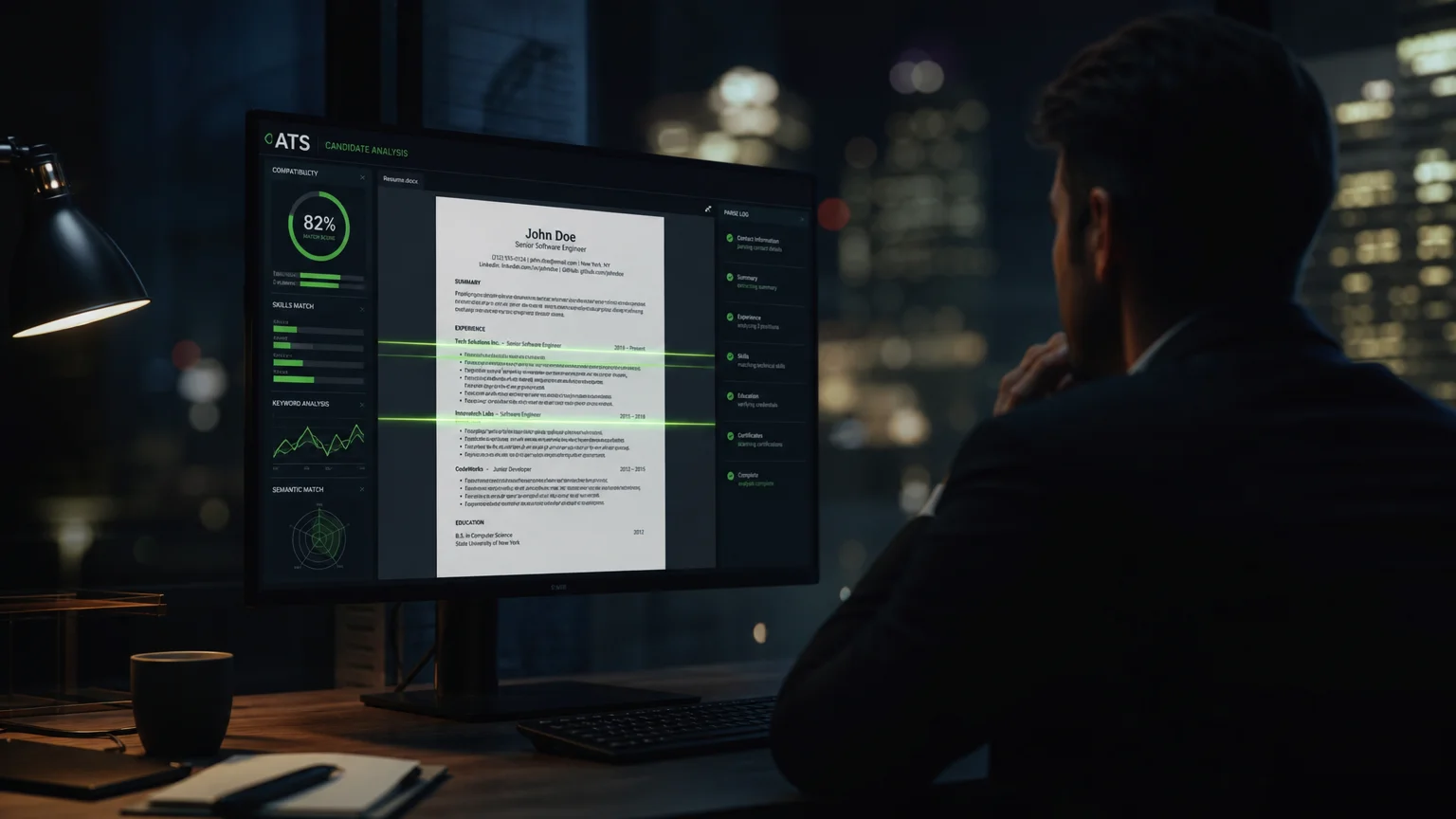
You have sent 50 applications and heard nothing back. That silence usually does not mean you are unqualified. More often, the same generic resume went to every posting and never matched what any single employer was searching for.
The fix is to tailor each application. It takes 10 to 15 minutes once you have a process, and the process is the same for every role.
How an ATS reads your resume
An applicant tracking system does three things with your file:
- Parses it. It pulls your contact details, work history, skills, and education into structured fields. Anything it cannot read is lost.
- Matches it. Recruiters search and filter those fields using the language of the job description, so the posting effectively becomes the checklist (Indeed).
- Ranks it. Resumes that cover more of what the role asks for surface first.
The ATS is not trying to be unfair. It helps a recruiter work through hundreds of applications. When your resume uses the posting’s terms in a format the parser can read, you are doing part of that work for them (University of Pennsylvania Career Services).
What has changed recently
- AI-assisted screening is common. Many platforms now summarize and rank resumes with language models. They still look for the posting’s terms, but they also reward clear, well-organized content.
- Skills-based hiring is spreading. Named skills matter more than years-of-experience filters. “Project management” may not connect to “managed projects”.
- Plain-text fields are back. Some employers ask you to paste your resume into a form or answer chat-style screening questions, so keep a clean text version ready.
- Profile imports cut both ways. If you import a LinkedIn profile, gaps in the profile become gaps in the application.
Step 1: Start from a master resume
Keep one master resume that holds everything: every role, project, metric, tool, and certification you might draw on. You never send it. Each tailored version is a selection from it, which is why tailoring stops feeling like rewriting from scratch.
Step 2: Mine the job description
Read the posting like a checklist and write down every term that describes the work:
| Keyword type | What to look for | Example |
|---|---|---|
| Hard skills | Tools and technical abilities | Python, Salesforce, SEO |
| Soft skills | How you work with people | Stakeholder communication, leadership |
| Titles | Role names the employer uses | “Project Manager”, “Data Analyst” |
| Credentials | Required certifications or degrees | PMP, CPA, bachelor’s degree |
Read the required qualifications separately from the preferred ones. Required terms are where the screening weight sits, and a term that appears several times in the posting is almost always a priority.
Step 3: Mirror the posting’s language
If the posting says “manager”, write “manager”, not “managed”. If it says “stakeholder management”, do not paraphrase it as “kept partners aligned”. A recruiter searching the ATS types the employer’s words, not your synonyms.
This applies beyond skills:
- Credentials go in exactly as written.
- Industry phrases should be theirs, not yours.
- Acronyms get spelled out at least once: “Project Manager (PM)”.
It feels mechanical. It works because both the software and the recruiter are scanning for the words they wrote.
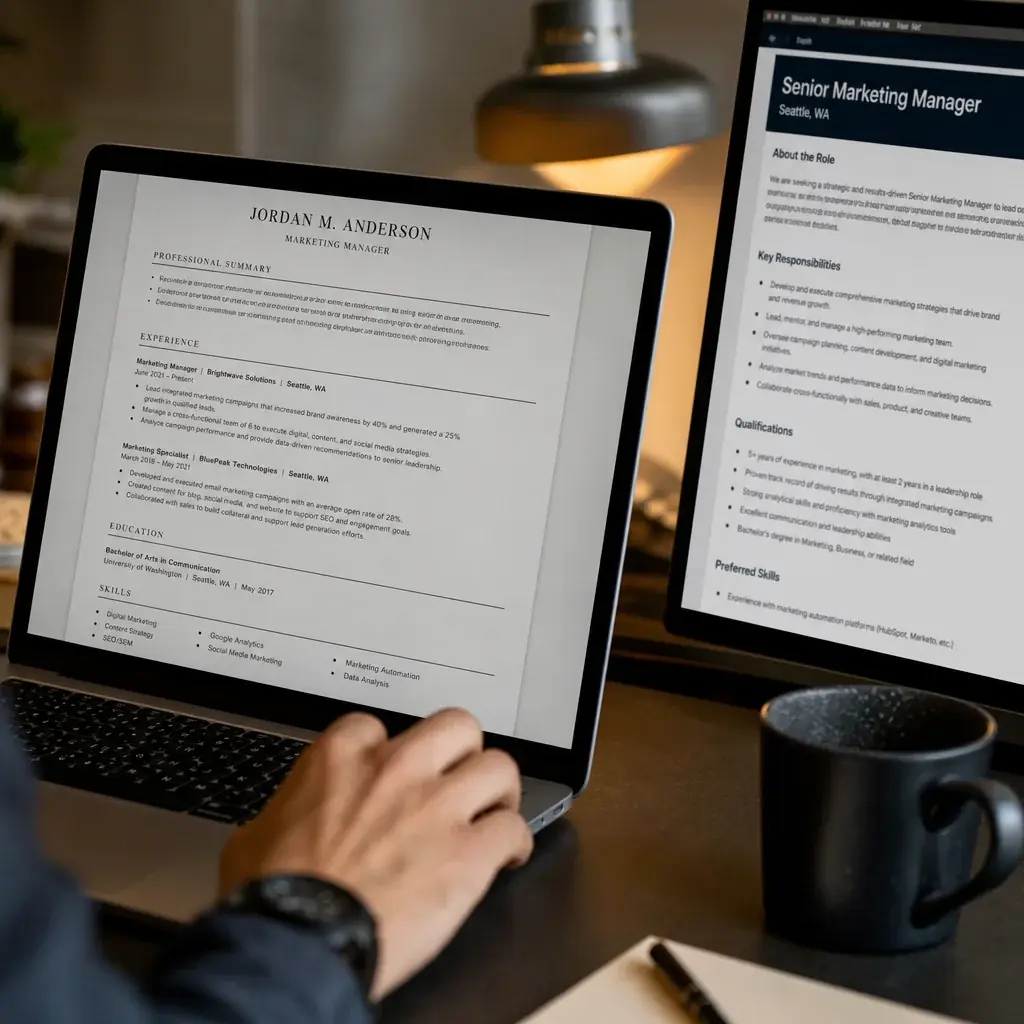
Step 4: Place keywords where they count
Not every part of a resume carries the same weight. Put the most important terms in three places.
The summary. It is the first thing read after your name. Lead with the posting’s core requirement.
Data-driven marketing manager with 7 years in SEO, content strategy, and paid acquisition. Grew organic traffic 40% or more year over year.
The skills section. List skills as plain, comma-separated terms, using the posting’s spelling. If the job says “SQL”, do not write “Structured Query Language”.
Skills: SEO, Google Analytics, Content Strategy, A/B Testing, Conversion Rate Optimization, WordPress
Recent experience bullets. This is where you prove the keyword. Each bullet should pair a term from the posting with a real result.
Here is the difference on a posting for an IT project manager that asks for “stakeholder management”, “budget tracking”, and “Agile/Scrum”:
- Generic: “Oversaw cross-functional initiatives and kept projects on time.”
- Tailored: “Managed IT project budgets of $500K+ and led Agile/Scrum ceremonies for a 12-person team while aligning stakeholders across three business units.”
Both can be true. Only the second uses the employer’s language, and that is the one that gets found.
If a keyword describes something you have not done, leave it out. The ATS might pass it, but the interview will not.
Step 5: Use a format the parser can read
The right keywords do nothing if the parser scrambles them. Tables, columns, text boxes, images, and graphics are where resumes most often break (U.S. Social Security Administration).
- Reverse-chronological order, most recent role first.
- Standard headings: Work Experience, Skills, Education. Not “My Journey” or “My Toolkit”.
- One column. Parsers read left to right and top to bottom, so a sidebar can splice your skills into your job history.
- Contact details in the body, not in the header or footer, which many systems skip.
- Common fonts such as Arial, Calibri, or Times New Roman.
- No graphics, icons, or skill-level bars. The parser sees nothing there (MIT Career Advising).
- File type: follow the application instructions. Word files are the safest default; a text-based PDF is fine when PDFs are accepted.
Design-heavy templates are the most common culprit. They look good to people and come out as fragments in the parser.
Step 6: Cover the must-haves without stuffing
There is no magic match percentage. Match scores from checking tools are a useful guide, but the real target is coverage: every must-have from the posting that you genuinely have should appear, in context, at least once. Then add the relevant nice-to-haves that fit naturally.
Keyword stuffing backfires. A bullet that reads like a list of search terms may fool software, but the recruiter who opens the file next will notice. Put keywords inside real accomplishments and they serve both readers.
Step 7: Test before you send
Three quick checks catch most problems:
- The plain-text test. Paste the whole resume into a plain text editor. If sections come out in order with nothing missing, the parser will likely read it too. Garbled text or scrambled job titles mean a formatting problem.
- The keyword search. Search the file for the top 5 to 10 terms from the posting. If one is missing and you have the experience, add it to a bullet or the skills section.
- The text-layer check. Open the exported PDF and search for a word. If nothing is found, the PDF is an image and no ATS can read it. Re-export with “Save as PDF” from Word or Google Docs.
Then read it once as a person would: does it still sound like your career, or like a chopped-up copy of the posting?
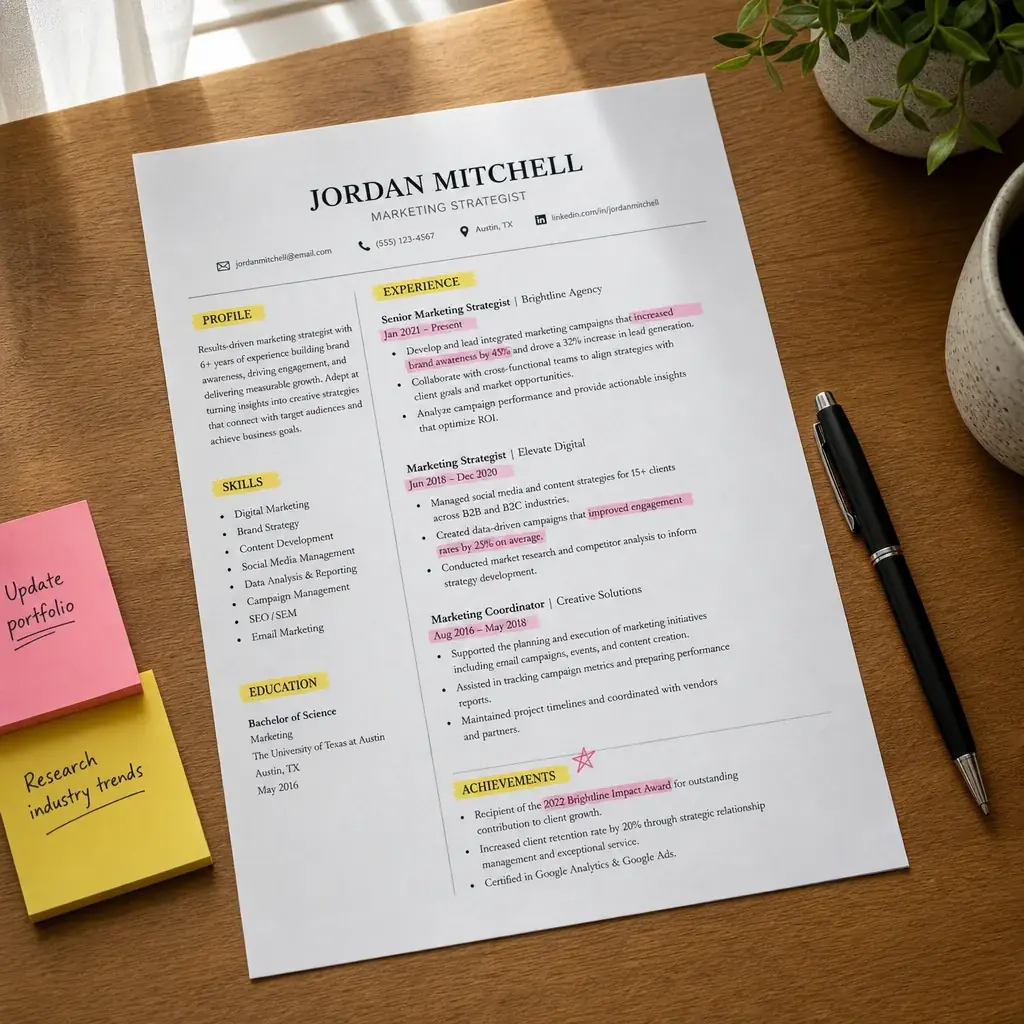
Common tailoring mistakes
- Sending one resume everywhere. The single biggest reason for silence.
- Two-column templates. They scramble work history and dates in many parsers.
- Contact details in the header or footer. Some systems never read them.
- Creative section headings. The parser does not know where “Where I’ve Been” belongs.
- Claiming skills you lack. It may clear the screen and then fail the interview.
Make it a 10-minute habit
Once the master resume exists, each application follows the same loop:
- Copy the job description into your notes.
- Highlight the must-haves and the terms that repeat.
- Pull the matching material from your master resume.
- Update the summary, skills, and the most recent bullets in the posting’s language.
- Run the plain-text and keyword checks, then submit.
Ten tailored applications to roles you fit will usually do better than fifty identical ones (Robert Half).
How Resumae helps
Resumae reads the job description, compares it with your master resume, and shows the fit gaps and keyword coverage before suggesting edits. You review each change instead of accepting a rewrite, and the tailored version stays linked to the role for your cover letter and interview prep.
For the whole workflow, read the AI resume tailoring guide, or see how tailoring tools differ from builders in AI resume builders vs resume tailoring tools.
Key takeaways
- Work from a master resume so each application is a selection, not a rewrite.
- Mirror the posting’s exact language in your summary, skills, and recent bullets.
- Keep the format simple: one column, standard headings, no graphics.
- Cover every must-have you genuinely have, and never add skills you cannot defend.
- Test the file with a plain-text paste and a keyword search before you send it.

About the author
Yuvraj Bajwa
Founder, Resumae
Yuvraj Bajwa is the founder of Resumae, an AI job-search workspace built as part of Coffee Drop Studio. He writes and reviews the resume, cover letter, interview, and application-tracking guidance on this site, drawing on the day-to-day work of building the tailoring, fit analysis, and ATS tools the articles describe.
- Founder
- Product lead
Related reading
Does Tailoring Your Resume Really Matter for ATS?
Learn the truth about ATS resume screening, why tailoring genuinely improves your chances, and how to customize efficiently without rewriting from scratch.
Sent 50 Resumes & Got Zero Callbacks: What Am I Doing Wrong?
Zero callbacks after 50 applications is fixable. See the real reasons your resume is being ignored and fix your next 50 applications.
Resume Fit Score Explained: What It Means and How to Use It
Demystify the resume fit and ATS score in 2026: how it is calculated, why it is not a job-fit verdict, and how to improve without chasing vanity metrics.
Next step
Ready to build a resume that gets noticed?
Paste a job description and let AI tailor your resume - free plan, no credit card required.